A setup guide formedia buyer software
Get network sales into your tracker
Clicks show up in your tracker, sales show up in the network, and the two never meet. This is the loop that joins them and the six steps that wire it.
By Dana Rourke, Lead reviewer. Reviewed by Campaign Buyer Editorial. Published 13 October 2026.
The short answer
Your tracker gives every click an ID, the offer URL carries that ID to the affiliate network, and when a sale happens the network's server calls your tracker's postback URL with the same ID. Wire both halves with the network's own token names, fire one test conversion, and each sale lands on the click that earned it.
Every tracker review on this site assumes the postback already works. When it does not, your campaign report shows spend and clicks with a zero in the conversions column, and you cannot tell a dead offer from a broken link. The fix is almost always one of a handful of mistakes, and they are all covered below.
What an affiliate network postback (S2S) does
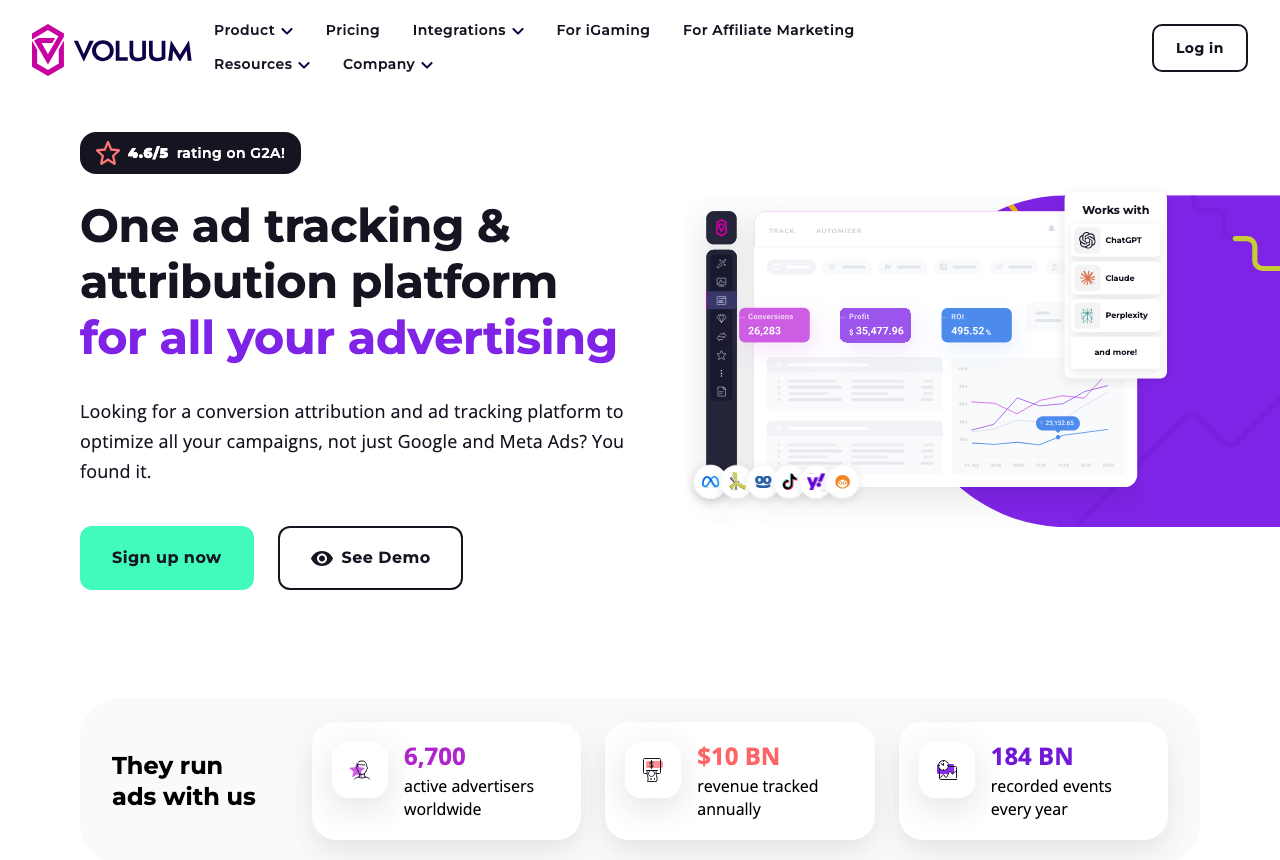
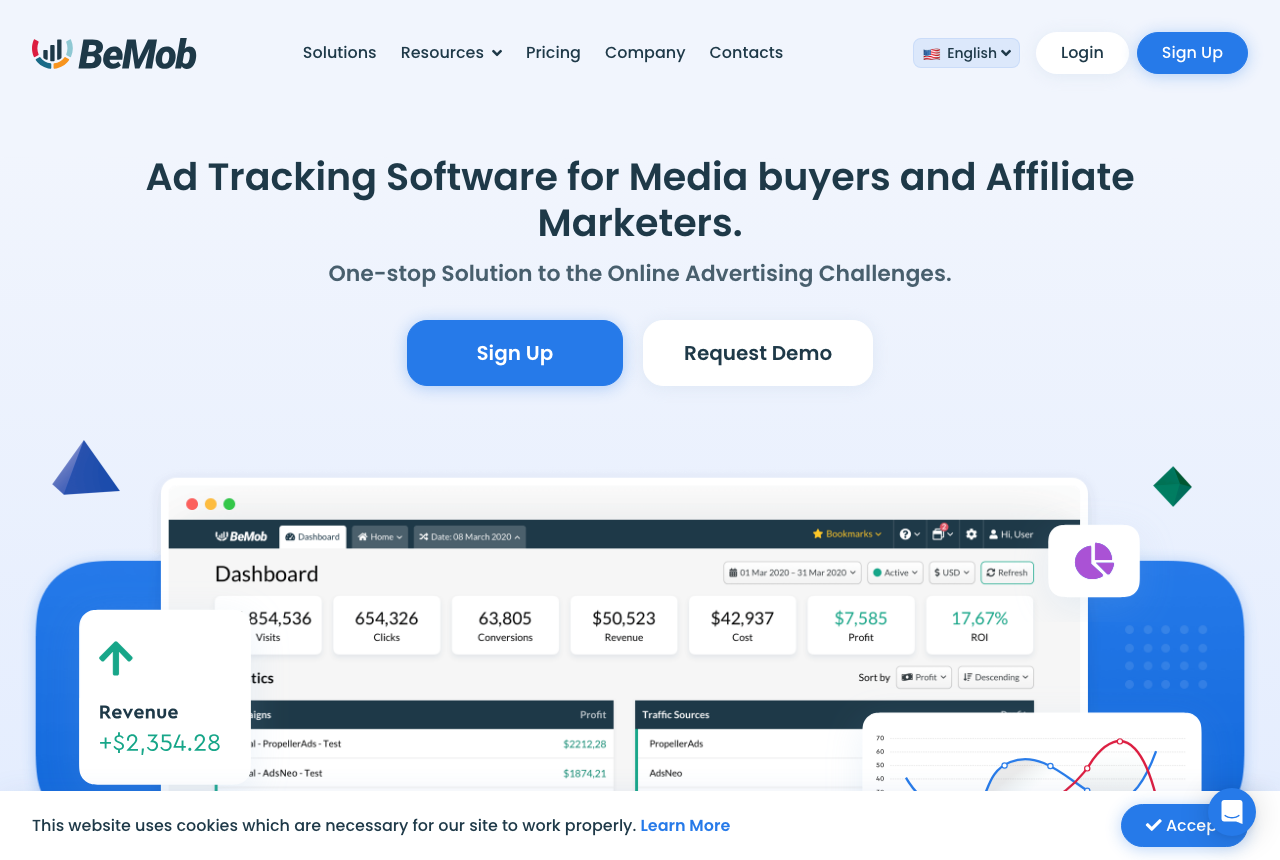
Voluum's network setup guide defines a postback URL as the address a network uses to send conversion data to the tracker. It is server to server: the network requests that URL, by GET or POST according to Voluum's documentation, the moment the sale is recorded on its side. BeMob's guide puts the benefit plainly. Conversions arrive without a cookie, a script or a pixel on the page after the sale, which matters because an affiliate rarely controls the merchant's thank-you page.
Three parties are involved:
- The traffic source, where you buy the click
- Your tracker, which logs the click and gives it an ID
- The affiliate network, which records the sale on the offer
Two different postbacks can run between them, and beginner guides often mix them up. This page covers the inbound one, from the network to your tracker. The outbound one, from your tracker on to the ad platform so it can optimise, is the subject of our page on server-side tracking vs the browser pixel.
The click ID handoff you wire twice
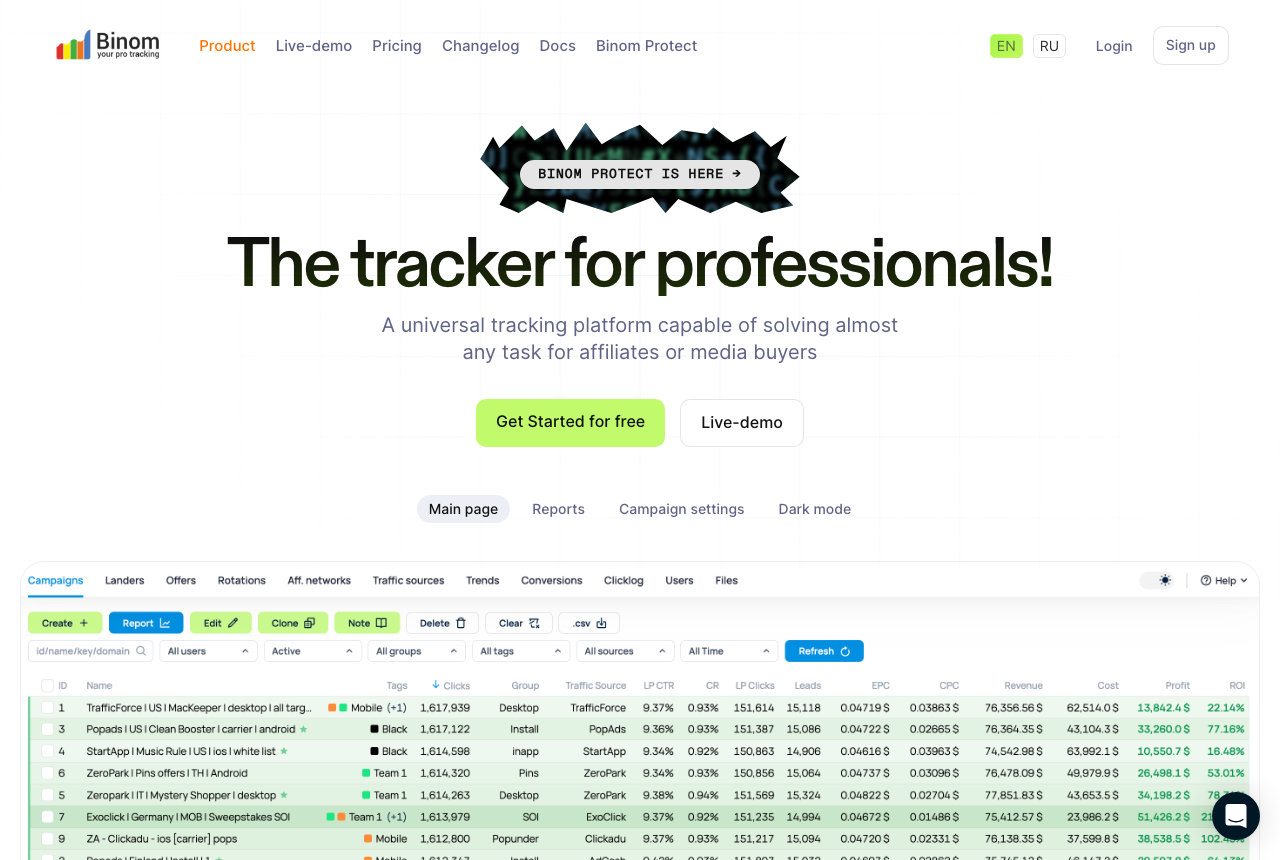
Binom's postback documentation sums up the whole idea: send the click's ID to the network, then use that same ID when the conversion comes back. That means two edits, in two different places.
Outbound, on the offer URL. You append the network's sub-ID parameter and fill it with your tracker's click ID token. The parameter name on the left belongs to the network, and the token on the right belongs to your tracker.
Inbound, in the network's panel. You paste your tracker's postback URL and put the network's macro for that same sub-ID into the tracker's click ID parameter. Each tracker names that parameter differently:
| Tracker | Click ID field it reads | Other fields |
|---|---|---|
| Voluum | cid | payout, txid, currency |
| Binom | cnv_id on click.php | payout, cnv_status, cnv_currency |
| BeMob | cid | payout, txid, status |
| Keitaro | subid | status |
Here is the example from Voluum's parameter guide: if the network's sub-ID is s2, the offer URL ends in s2={clickid} and the postback you paste at the network carries cid={s2}. Voluum calls this match the most important part of recording conversions correctly. Binom's own example has the same shape, with the network returning its {sub1} macro in cnv_id:
https://binom.org/click.php?cnv_id={sub1}&payout={sum}&cnv_status={status}
Swap in your own tracker domain, and take every macro on the right from your network's documentation or account manager. Token names differ between networks, and guessing one is the most common way to end up with zero conversions.
S2S postback setup: six steps in order
- Copy the postback URL from your tracker. It lives in the tracker's settings, or comes prefilled when you add the network from a template.
- Replace every placeholder with the network's tokens. BeMob's template reads
cid=REPLACE&payout=OPTIONAL&txid=REPLACE&status=REPLACE, and BeMob warns it will not work until each REPLACE and OPTIONAL becomes a real macro. Onlycidis required there. - Add the click ID to the offer URL. Pair the network's parameter with your tracker's click ID token, or pick the network from the tracker's template list so it does this for you.
- Paste the finished postback into the network. At account level where the network allows it, otherwise on the offer.
- Send one test click. Open the campaign link and confirm the offer URL the network received carries a real click ID instead of the raw token.
- Fire a test conversion. Voluum's method: take a real click ID, put it in place of the network token in the postback URL, call it, and check that the conversion count went up by exactly one.
The whole loop takes minutes once you have the network's macro list. Getting that list is the slow part, so ask for it when you are approved for the network rather than on the day you launch.
Affiliate network postback settings: account or offer level
Networks put the postback field in one of two places. An account-level postback fires on every conversion from every offer you run there. BeMob's guide lists YTZ, Traffic Company, Mobidea and MOBIPIUM among the networks that offer it. Other networks only take a postback on each offer, or let you choose.
Voluum keeps a single global postback for the whole tracker account, and its documentation recommends the account-level option whenever a network has one. I agree. With offer-level postbacks every new offer needs the URL pasted again, and the offer you forget logs clicks with no sales.
When the postback fires but the tracker stays at zero
Clicks are counted, the network shows sales, and the tracker shows none. Open the tracker's postback log, if it keeps one, before you touch anything else. What it says points to one of these:
- A literal placeholder arrived. If the log shows
REPLACEor a token in braces where a click ID should be, the network did not swap the macro. Keitaro's troubleshooting page shows this as "Click for subid REPLACE not found" and explains the network never passed the real subid. - The click ID never reached the network. The offer URL was saved without the sub-ID parameter, or with the wrong one, so the network has nothing to send back.
- The right value went into the wrong field. Voluum reads
cid, Binom readscnv_id. A postback that sends the ID under another name is a valid request your tracker cannot match to a click. - A required value is missing. Keitaro's log also flags a missing status and a conversion type it does not recognise.
- The ad platform counts the sale twice. Binom lets you add
disable_postback=1to the inbound URL, which stops it passing that conversion upstream to where you bought the click.
None of these is fixed by reinstalling a pixel. Change one thing, fire a test conversion, and read the log again.
After network postbacks work: pick and tune the tracker
How much of the setup above you do by hand depends on the tracker. Binom and BeMob both ship affiliate network templates that fill in the parameters for networks they already know, which takes care of steps 2 and 3 for those networks. Voluum has one account-wide postback URL, so you configure it once and paste the same address at every network.
RedTrack and FunnelFlux take network postbacks as well, and their reviews cover what each costs at your volume and what else it does. Whether you host the tracker yourself or pay for a cloud one changes nothing in the postback itself, only who keeps the server up. Our page on cloud vs self-hosted trackers weighs that choice.
My take
I'd start with the account-level postback the day a network approves you, fire one test conversion, and only then buy traffic. A campaign that spends a day before you notice the zero in the conversions column has paid for data it cannot use. When choosing a tracker, I'd judge it by how many of your networks it already has templates for, because each template is a set of macros you do not have to look up.
See which trackers handle network postbacks
We wrote this from the trackers' own documentation and from what affiliates report in forums. We did not run these setups ourselves. Our methodology page sets out how we research.
Frequently asked questions
Is a postback the same thing as a conversion pixel?
Does the network send the postback as GET or POST?
Should the postback go on the account or on each offer?
Can I test a postback before any real sale comes in?
What we read
Other sources
6 discussions and reviews read for this page. Quotes are excerpts; open a link to read the original in context.

Written by
Dana Rourke
Lead reviewer
Dana Rourke is the lead reviewer at Campaign Buyer. She owns the tracker and attribution coverage: reading what long-term users report about each tool, checking its documentation and pricing, and verifying prices with the vendor before writing the verdict. Keeping the rankings honest mostly means writing down what the top pick gets wrong, so she does that first.
Last checked 2026-10-13