
Best WordPress page buildermedia buyer software
Best landing page builder for WordPress
You run your site on WordPress, and you are pointing paid clicks at it. The problem is that a normal WordPress page, built in your theme for organic readers, is not the page a cold visitor from an ad should land on. You want a page that matches the ad, loads fast on a phone, and does not drag the rest of your site down with it. That is the job a landing page builder does, and on WordPress the wrong one either bloats every page you publish or locks your work inside a tool you cannot leave.
By Dana Rourke, Lead Reviewer. Reviewed by Campaign Buyer Editorial. Updated 10 September 2026. We revisit this page every 90 days.
There are two ways to do it. A WordPress plugin builds the page inside your own install and serves it from your hosting. A standalone tool hosts it somewhere else and links across. Both are ranked here for someone buying traffic, and every pick names what it is bad at, including the one we rank first.
Quick answer
SeedProd is the pick if you run a WordPress site, spend real money on paid traffic, and want campaign pages that load fast without bloating the rest of your site. If that is not you, jump to the pick that matches your situation:
- 1. SeedProd is best for fast, lightweight WP pages.
- 2. Elementor is best for your whole site in one tool.
- 3. ElasticFunnels is best for sellers running their own checkout.
- 4. Thrive Architect is best for conversion blocks built in.
- 5. Unbounce is best for Google Ads message match.
- 6. Leadpages is best for lead capture at a predictable price.
- 7. Instapage is best for agencies building client pages.
Compare all seven
| Builder | Type | Best for | Split testing | From |
|---|---|---|---|---|
| 1. SeedProd | WordPress plugin | fast, lightweight WP pages | Needs an add-on | $39.50/yr |
| 2. Elementor | WordPress plugin | your whole site in one tool | Needs an add-on | $60/yr |
| 3. ElasticFunnels | Checkout | sellers running their own checkout | Same-URL, built in | $97/mo |
| 4. Thrive Architect | WordPress plugin | conversion blocks built in | Thrive Optimize | $199/yr |
| 5. Unbounce | Standalone | Google Ads message match | Experiment plan | $22/mo |
| 6. Leadpages | Standalone | lead capture at a predictable price | Grow plan | $67/mo |
| 7. Instapage | Standalone | agencies building client pages | Optimize plan | $79/mo |
Entry paid plan prices, checked with each vendor on 9 September 2026. The three WordPress plugins bill annually, and the standalone tools and ElasticFunnels bill monthly. Plugins render inside your WordPress site, standalone tools host the page elsewhere, and ElasticFunnels hosts both the page and the checkout.
The ranking
1. SeedProd: best for fast, lightweight WP pages

It is the pick if you run a WordPress site, buy paid traffic, and want campaign pages that load fast without dragging your whole theme down. It is lighter than the general-purpose builders and quick to learn. The catch is that the useful features live on the Pro plan, and the introductory price renews higher.
For this site's reader, a performance buyer sending ads to a WordPress site, SeedProd is the plugin that fits the funnel without a redesign. You build the advertorial, the offer page or the opt-in inside WordPress. It publishes on your own site, and the output is leaner than what the general-purpose builders produce. When most of your paid traffic is on a mid-range phone, that lighter page is the difference between a click that converts and a bounce.
It takes the top slot because it is built for exactly this job and nothing more. It is quick to learn, it ships hundreds of landing, sales and coming-soon templates, and it carries a 14-day money-back guarantee. The honest cost is the plan ladder: the real landing page builder, the template library and dynamic text live on the Pro plan, above the cheap Basic tier, and the introductory price renews higher. It is lighter than Elementor, though a hand-built Gutenberg page is lighter still, so if raw speed is all that matters, native blocks win.
What works
- Lighter output than Elementor or Divi, so a campaign page loads faster on a phone
- Fast to learn: drag-and-drop with 300+ marketing, coming-soon and sales templates
- A genuinely free version, and a 14-day money-back guarantee on paid plans
What to watch
- The full editor, the template set and dynamic blocks are gated behind the Pro plan
- Introductory pricing renews at full list, and buyers on Reddit flag the jump
- Not the lightest possible route: native Gutenberg blocks still beat it on raw speed
Read the full SeedProd review, or see alternatives to SeedProd.
2. Elementor: best for your whole site in one tool

It is the pick if you want one builder for your entire WordPress site and its campaign pages, and you are willing to keep each page disciplined. It is the most flexible tool here, but it is also the easiest to make heavy, and long pages are where buyers say it slows down.
Elementor is the WordPress builder most sites already run, and that is its real advantage. If your theme, your headers and your existing pages are built with it, a landing page is no new tool to learn, and the free core plus Elementor Pro covers your whole site and its campaign pages from one place. The ecosystem is the largest in WordPress, so there is a template or a tutorial for anything you want to build.
It trails SeedProd for a paid-traffic buyer because it is the easiest tool here to make heavy. Reddit's 2025 verdict is blunt: Elementor is faster than it used to be, but it still ships bloated pages by default, and long landing pages are where buyers report it slowing down. A disciplined build on a light theme can hit a full PageSpeed score, so most of the weight comes from extra containers and add-on packs. For a campaign page, keep it simple and test on mobile before you scale.
What works
- The most flexible tool here: a free core plus forms, popups and reusable templates on the paid tier
- The largest ecosystem in WordPress, so templates, add-ons and tutorials are everywhere
- Cheap entry: the paid tier starts at $60/yr for one site
What to watch
- Easy to build heavy pages: extra CSS, JS and nested containers add up
- Long marketing pages are where buyers report it slowing down
- Third-party add-on packs are the usual cause of bloat, and they multiply fast
Read the full Elementor review, or see alternatives to Elementor.
3. ElasticFunnels: best for sellers running their own checkout

ElasticFunnels is a funnel platform built for teams that run paid traffic: it builds the pages, splits them behind one URL so your ads never reset, hosts the checkout, and keeps the CRM and the reporting on the same data. Same-URL split testing is the reason most teams switch. Its checkout stands out for multi-MID routing, which splits sales across the NMI merchant accounts you connect and only pays off if you already run more than one. It is newer than the platforms it rivals, though, and third-party proof is thin so far.
ElasticFunnels is a different kind of tool from the builders around it, and it ranks this high for one specific reader: the buyer who does not want WooCommerce running the sale. Instead of building a page inside WordPress, it builds the funnel and hosts its own checkout, with order bumps, one-click upsells and same-URL split tests, so a variant test never changes the campaign link or sends the ad back for review. For a seller who runs their own direct-response offers and whose profit turns on the checkout more than the page, nothing else on this list does that job, which is why it sits ahead of the plugins and standalone tools below.
The honest catch: it is newer than every other tool on this page, and there is very little independent third-party review coverage to check its claims against, so until you run real volume through it you are largely taking the vendor's word for it. And it replaces your WooCommerce checkout rather than building on it, so it only makes sense if you actually want to leave WooCommerce behind. If you are keeping it, one of the WordPress plugins above is the closer fit.
What works
- Replaces the stack a growth team usually stitches together: a funnel builder, a checkout or CRM, a testing tool and an analytics tool, so a click, an order, a rebill and a refund sit on one record you never have to merge by hand
- Its strongest feature is split testing under one URL: variants rotate server-side behind a single campaign link, so Meta, Google and TikTok keep the data they have learned and a new test does not send the ad back for review
- The AI builder writes a page of any type from a prompt, and the cloner turns a competitor URL into a working copy in about a minute
- Its checkout takes Stripe, NMI, PayPal, Klarna or Authorize.net, splits sales across several NMI merchant accounts by weight, card brand, product and daily cap, and builds in order bumps, one-click upsells and subscription dunning
- The analytics view puts sessions, orders, rebills and refunds on one timeline, sliced by affiliate, geo, device or creative, and a built-in CRM and call center work off the same records
- A trial tests the whole tool because nothing is gated behind a higher tier: plans differ only by the traffic volume they allow
What to watch
- Newer than the platforms it competes with, with very little independent review coverage to check its claims against, so until you run real volume through it you are largely taking the vendor's word
- Multi-MID routing, the standout in its checkout, works across NMI merchant accounts only and pays off only if you already hold several to route between. A seller on a single Stripe account still gets the pages, the testing, the analytics and the CRM, but not that routing advantage
- It is not a merchant of record like Paddle: it will not file your sales tax or carry dispute liability, so that work stays with you and your processors
- The 0.5% checkout fee applies to revenue through its hosted checkout, on top of the monthly plan and your own processor fees, though sales on external networks like ClickBank or BuyGoods are not charged
Read the full ElasticFunnels review, or see alternatives to ElasticFunnels.
4. Thrive Architect: best for conversion blocks built in
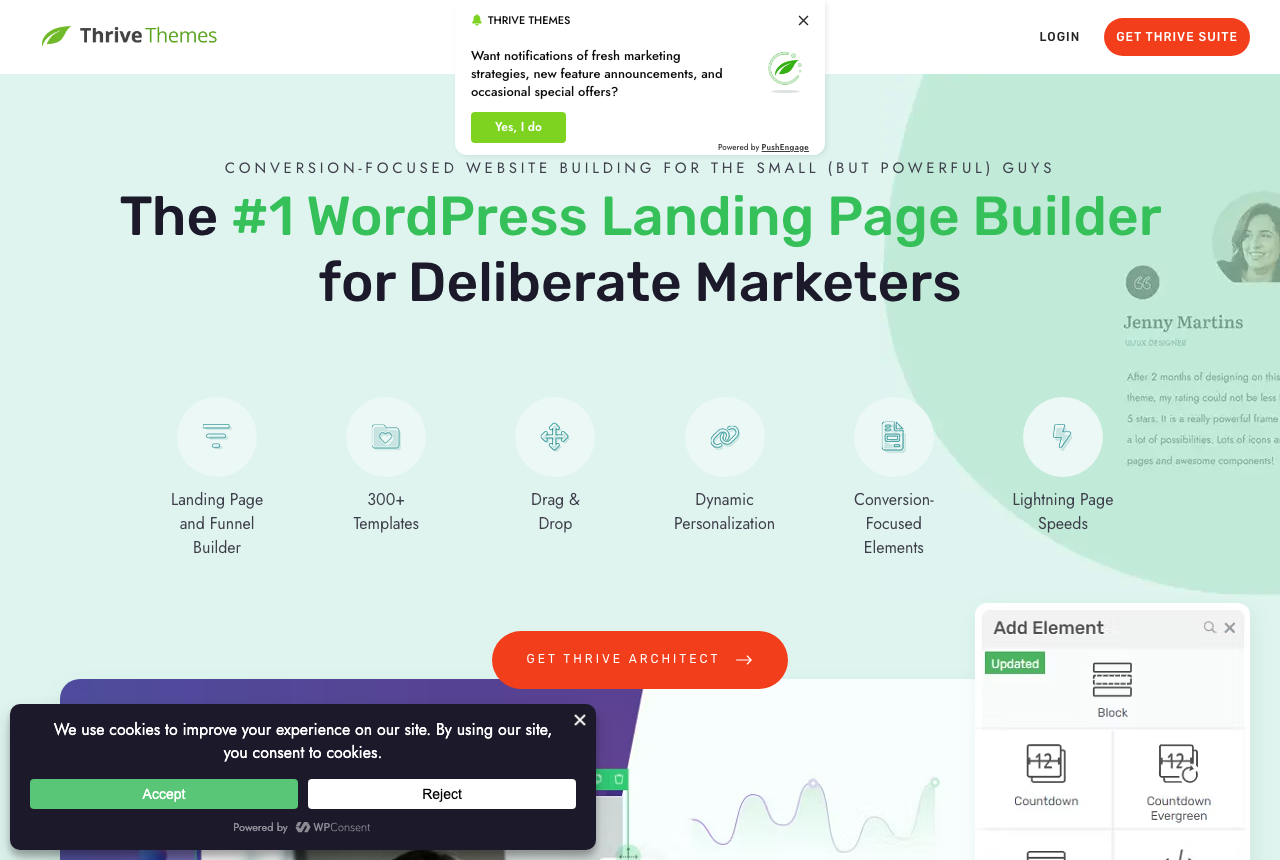
It is the pick if you are a marketer who wants countdowns, sign-up forms and ready-made sales blocks rather than a blank canvas. Split testing runs through the Optimize add-on. The costs are annual renewal pricing that jumps after year one and lock-in on pages you built once the licence lapses.
Thrive Architect is the plugin built for marketers. Where Elementor hands you a blank canvas, Thrive hands you opt-in forms, countdown timers, testimonial blocks and sales-page templates aimed at one thing: getting the visitor to act. A/B testing arrives through Thrive Optimize, and the wider Thrive Suite folds in quizzes and scarcity tools, so a WordPress marketer can keep the whole conversion stack under one licence.
Price and lock-in hold it at four. The cheapest way to get Architect is the Theme Builder bundle at $199 a year for one site. The full Suite is $299 a year for five, and both renew closer to double after year one. When a license lapses your pages stay live, but you can no longer edit anything Thrive built. I would buy it only if you will use the conversion toolkit every week.
What works
- Conversion elements ship in the tool: testimonials, timers, forms and sales templates
- Thrive Optimize handles the split tests, bundled into the Suite
- One vendor for pages, forms, quizzes and scarcity, so the marketing stack stays together
What to watch
- Annual renewal jumps after year one, up to $599/yr for the five-site Suite
- When your licence expires you cannot edit Thrive-built components, which is real lock-in
- Buyers report occasional bugs and freezing, and it is WordPress-only
Read the full Thrive Architect review, or see alternatives to Thrive Architect.
5. Unbounce: best for Google Ads message match
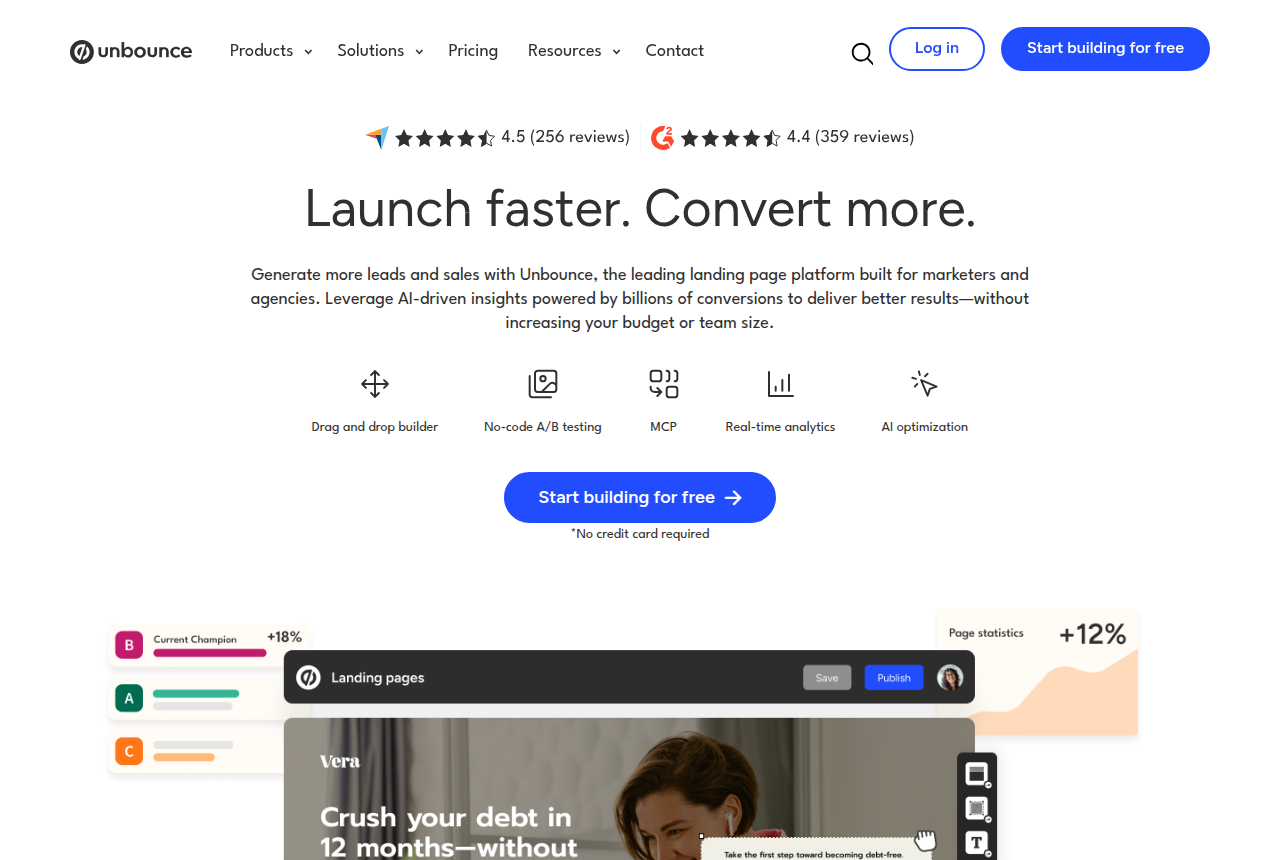
Unbounce is the pick if you buy Google Ads and live or die on message match, and you can justify the Experiment tier.
Unbounce is the first standalone option, and it earns its place on dynamic text replacement tied to your ad keywords. If you buy Google Ads and your page headline has to echo the exact search a visitor just typed, Unbounce does that automatically, then routes each visitor to the variant most likely to convert them. It hosts the page off WordPress and connects back through a plugin, so the buyer stays on your domain.
The trade is that those features start on the Experiment plan, a tier above entry, and that you run a second platform beside WordPress. For a search buyer whose campaigns turn on message match, that is a fair trade. A site that wants the page built natively in WordPress should take SeedProd.
What works
- The page headline updates to match each search query, the core PPC lever
- Smart Traffic routes each visitor to the variant most likely to convert them
- A large template library and a mature builder
What to watch
- Dynamic text and split testing start on the $149/mo Experiment plan, about five times what Starter costs
- Monthly unique-visitor caps bring overage anxiety at scale
- Users find the fixed-section layout and the mobile editor frustrating, and some call the builder painful
Read the full Unbounce review, or see alternatives to Unbounce.
6. Leadpages: best for lead capture at a predictable price
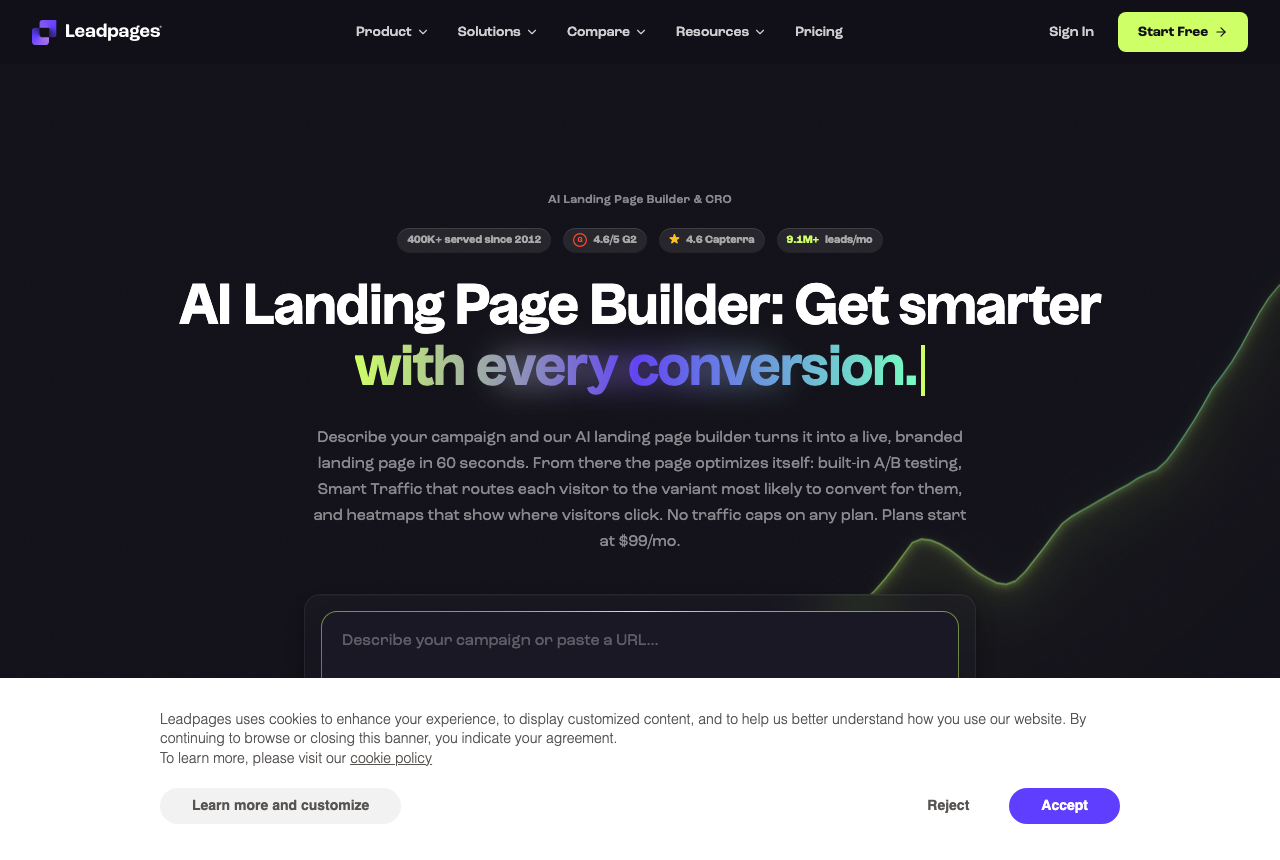
Leadpages is the pick if you want predictable cost, no surprise caps, and experiments without paying enterprise money.
Leadpages is the standalone pick when the page is a lead capture and the bill has to stay predictable. There are no visitor caps and no overage fees, so a page that suddenly takes off does not trigger a surprise charge, and six-variant tests are included on the entry Grow plan rather than gated higher up. It connects to WordPress through an official plugin, so a published page sits on your own domain.
What you give up is the top of the feature set. Its headline does not swap to match the search term, so a search buyer is better served by Unbounce, and SeedProd suits a page that lives natively inside WordPress. For lead-gen at a flat, knowable cost, it is the safe choice.
What works
- Unlimited traffic on every plan, so a page that takes off never triggers an overage bill
- A/B testing and ad-matched headlines arrive on Grow, the first testing plan, at $67 a month billed annually
- Unlimited pages and a fast, simple builder
What to watch
- Fewer advanced page-optimization controls than a specialist like Unbounce, and no CRM or native email, so follow-up lives in another tool
- Older complaints about price jumps versus a WordPress page builder
- Support quality is a recurring gripe
Read the full Leadpages review, or see alternatives to Leadpages.
7. Instapage: best for agencies building client pages

Instapage is the pick if you are an agency or enterprise team that needs collaboration, server-side testing and post-click personalization, with the budget to match.
Instapage is the standalone builder made for agencies and enterprise teams. Its strengths are collaboration, approval workflows, server-side testing and ad-to-page personalization, which is exactly the stack a shop building WordPress landing pages for many clients needs. It publishes to WordPress through a plugin, so client pages still live on the client's domain.
The reason it sits at seven for this reader is price and fit. It has drifted upmarket. The entry plan rises fast, the top tier is a custom quote, and the lower plans cap visitors. If your team is the constraint, it is worth it. If you are one buyer running your own WordPress site, Unbounce gives you the search lever and SeedProd gives you a native page for far less.
What works
- Strong collaboration and approval workflows for teams and clients
- Server-side A/B testing and multi-step forms from the Optimize tier
- Ad-to-page personalization (AdMap) at the top tier
What to watch
- Priced for enterprise: the $99 entry rises fast and Convert is custom-quoted
- Visitor caps on the Create and Optimize plans
- Overkill for a solo buyer or a small lead-gen shop
Read the full Instapage review, or see alternatives to Instapage.
Winners by segment
WordPress site running paid social. Winner: SeedProd, for native campaign pages that load light on a phone. Runner-up: Elementor if you already build the whole site on it and will keep the page disciplined.
Google Ads buyer who lives on message match. Winner: Unbounce, the pick here that rewrites the headline to echo the Google Ads search. Runner-up: Instapage if you also need server-side testing and team approvals.
Marketer building sales and opt-in funnels. Winner: Thrive Architect, for conversion blocks and A/B testing through Thrive Optimize. Runner-up: Leadpages if you want a flat, predictable bill.
Agency building pages for many clients. Winner: Instapage, for collaboration and approval workflows. Runner-up: Elementor if you want one native builder across every client's WordPress site.
Seller who wants to run their own checkout. Winner for that buyer: ElasticFunnels, for hosted checkout with upsells and same-URL tests. It is newer, with little outside proof yet, and it takes over from WooCommerce at checkout. Runner-up: Thrive Architect if you would rather keep WooCommerce and just build the page.
What to avoid
- Rebuilding your whole WordPress site in a heavy builder. Every plugin here adds JavaScript, and Elementor and Divi add the most. Use one for campaign and landing pages, keep your core theme and posts native, and you pay for the weight only where it earns its keep.
- Treating a free tier as your setup. SeedProd's free version targets coming-soon and maintenance pages, Elementor's free core lacks the Pro widgets, and Thrive has no free plan at all. Learn the tool on the free plan, and pay before a campaign budget goes through it.
- Ignoring mobile LCP. A page that scores well on desktop can still be slow on a mid-range phone, which is most of your paid traffic. Test the built page on a throttled mobile connection before you point spend at it.
- Buying the whole Suite for one page. Thrive Suite and Instapage's enterprise features only pay off with a team and a workflow to use them. A solo buyer pays the premium and runs none of it.
- Skipping the caching and hosting check. Builder speed depends on your host, your images and your cache as much as the plugin. SeedProd's own docs blame caching when a page does not update, so purge the cache and test the live page.
How we researched this
We read what long-term users report about each tool in public threads and on review sites, focused on what hits a paid campaign: how fast a cold visitor sees the page on a phone, whether the tool keeps your UTMs intact through a redirect or a test, and how much front-end weight it adds to a WordPress site. We checked each vendor's own documentation and verified prices with the vendor, because a demo hides the ceilings you only hit in month three, like a renewal price or a published-page limit.
We weighted four things: fit for a WordPress site running paid traffic, how heavy users report the pages are on mobile, whether the pricing model punishes you as you scale, and how much the tool locks your pages in if you leave. The ranking is a numbered order with no score out of ten, and where a tool wins only for a specific buyer we say so rather than pretend it wins for everyone. The full rubric is on our how we research page.
How to choose
Start with one question: does the page belong inside your WordPress site, or is it a separate PPC page? If it is part of the site and has to live there, you want a plugin, and SeedProd is the pick for a lean campaign page, Elementor if you already run the whole site on it, Thrive Architect if you want conversion blocks built in. If the page is a purpose-built search page and you care most about message match and load speed, a standalone builder wins, and Unbounce is the answer when your Google Ads depend on headline-to-keyword match.
Then price the plan you actually need. On the WordPress plugins the useful features, the real landing page builder and dynamic text, sit above the entry tier, and the introductory price renews higher, so read the renewal number before you buy. On the standalone tools, read the visitor cap: some bill overage above it, and a page that takes off can trigger a charge you did not plan for.
Finally, weigh the exit before you commit. A builder that traps your pages makes leaving expensive: Thrive stops you editing its components once a license lapses, and any page-builder page is harder to move than a native one. Keep your core theme native, use the builder for the pages that change often, and rebuild a proven winner as a native page when speed starts to matter more than iteration.
What is a WordPress landing page builder?
A WordPress landing page builder is a tool that lets you design a conversion page for your site without editing theme code. There are two kinds. A plugin like SeedProd, Elementor or Thrive Architect installs into WordPress and renders the page inside your own site, so it inherits your analytics and your checkout. A standalone tool like Unbounce, Leadpages or Instapage hosts the page on its own infrastructure and connects back to WordPress through an official plugin, so the page loads independently of your theme.
For a site buying clicks, the point of either is message match and speed: a page that continues the promise the ad made, loads fast enough that a cold mobile visitor does not bounce, and lets you test variants without a developer. The cost that comes with all of them is weight. Every builder adds scripts to the page, so the discipline is to use one where it earns its keep and keep the rest of the site lean.
Frequently asked questions
What is the best landing page builder for WordPress in 2026?
Do WordPress page builders slow down my site?
Should I use a WordPress plugin or a standalone landing page tool?
Is there a free WordPress landing page builder?
Can I A/B test landing pages on WordPress?
Changelog
- 10 September 2026. First published. We verified pricing for all seven builders against vendor and WordPress.org listings, and ranked them for WordPress sites that buy their traffic.
Sources
Other sources
3 discussions and reviews read for this page. Quotes are excerpts; open a link to read the original in context.
- [wporg-seedprod] Website Builder by SeedProd - WordPress plugin
- [reddit-renewal] Seedprod renewal rate....wow.... : r/Wordpress
- [cloudways-seedprod] SeedProd Review: A lightweight WordPress Page Builder

Written by
Dana Rourke
Lead Reviewer
Dana Rourke is the lead reviewer at Campaign Buyer. She covers trackers and attribution on this site: she reads what long-term users report about each tool, checks its documentation and pricing, and verifies prices with the vendor before writing the verdict. Keeping the rankings honest mostly means writing down what the top pick gets wrong, so she does that first.
Last checked 2026-09-10
Comments
No comments yet. Questions and your own experience are welcome.
Thank you. Your comment will appear once it has been reviewed.