An explainer onmedia buyer software
Test a new page without touching the ad link
Page builder comparisons name same-URL split testing as the reason paid-traffic buyers switch tools. This is what it does, and when it is worth caring about.
By Dana Rourke, Lead reviewer. Reviewed by Campaign Buyer Editorial. Published 14 October 2026.
The short answer
Same-URL split testing keeps the link in your ad fixed and lets the server pick which version of the page each visitor gets, so you can test a new headline or a whole new layout while Meta or Google still sees the same destination. It matters most when a campaign is already spending well and you do not want an edited URL to send it back into a learning phase.
The situation is familiar. An ad set has found its audience, the cost per sale is where you want it, and you have a new page you think will convert better. Pointing the ad at a new address feels like the riskiest edit you could make to something that works.
We wrote this from vendor documentation, Google's help pages and media buyers' own reports. We do not run ad accounts to test these claims, and where the evidence is a practitioner report, the page says so.
What same-URL split testing is
A visitor clicks your ad and requests one address, say yourdomain.com/offer. Before any HTML goes back, the server decides which variant this visitor belongs to, A, B or a third version, and sends that page. The browser shows one address the whole time. So does the ad platform.
The older pattern is the split URL test. Variant A lives at /offer-a and variant B at /offer-b, and something has to send traffic to each. When B wins and you want to send every visitor there, you either edit the destination in the ad or put a redirect in front of the old page.
- Same-URL test
- One address in the ad. The server chooses the variant per visitor and can shift the weights or retire a loser without anyone editing the campaign.
- Split URL test
- Each variant has its own address. Easy to build in any page tool, and the address in the ad has to be edited when you crown a winner.
- Sticky assignment
- The server remembers which variant a browser was given, usually with a cookie, so someone who returns tomorrow sees the same page and is counted once.
Server-side split testing and why it avoids flicker
Same-URL testing depends on server-side split testing: the decision is made before the page leaves the server. The alternative is a client-side script that loads the original page and then rewrites it in the browser. On a slow phone connection the visitor can see the original for a moment before the variant replaces it, and the page jumps.
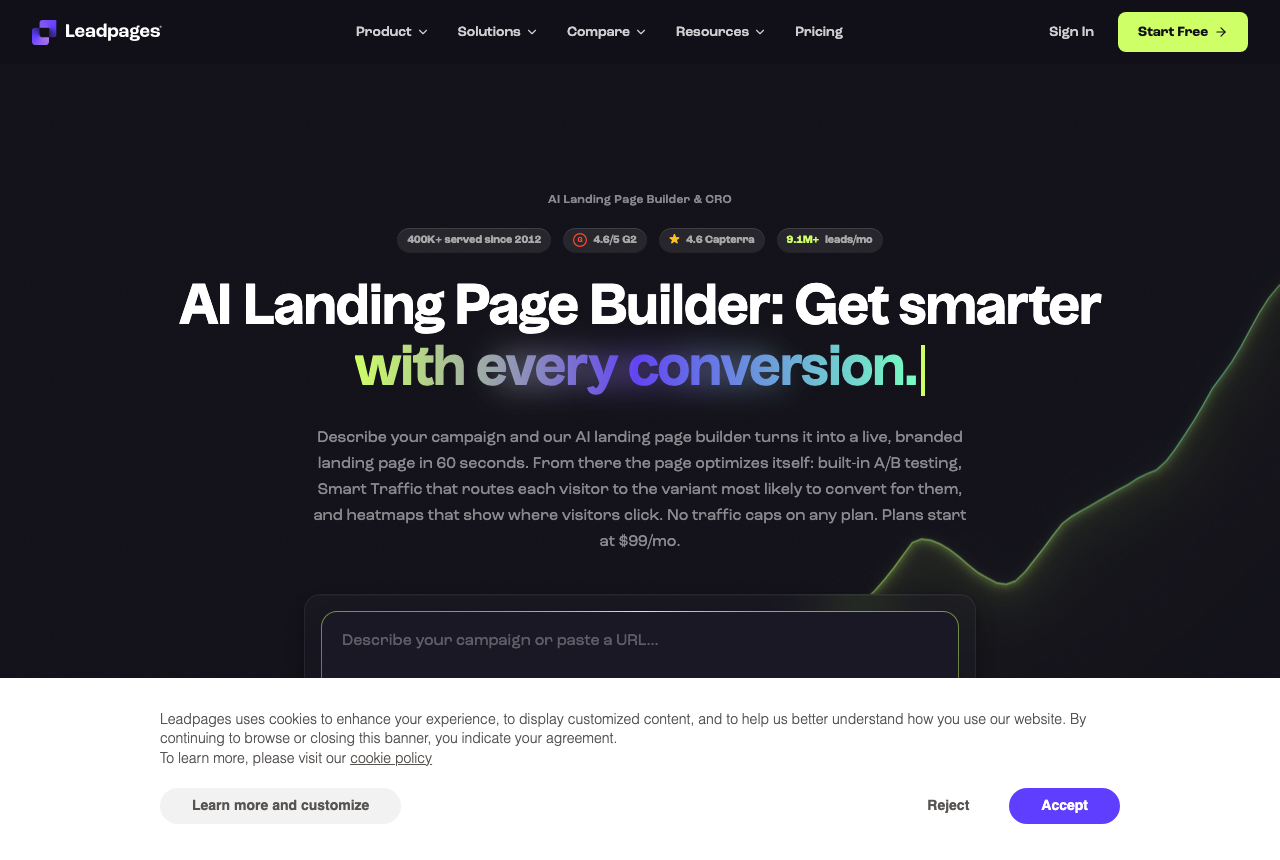
Leadpages describes its own approach in those terms. Its A/B testing page says it assigns variants on the server before the page renders, and claims no flicker, no layout shift and no original version flashing past. That is the vendor describing its product, but the mechanism behind it is sound: a page that arrives finished has nothing to swap.
Server-side assignment alone does not make a test same-URL. A builder can pick the variant on the server and still publish each variant at its own path, and the Leadpages pages we read do not say whether its variants share one public address. Ask any vendor that question directly before you plan around it.
One naming clash to clear up: server-side tracking is a different subject. It is about how conversions get reported back to the ad platform, which our guide to server-side tracking vs the browser pixel covers.
Why changing the URL worries media buyers
After a significant edit, an ad platform spends a stretch re-optimizing delivery, and costs tend to swing while it does. Buyers call this the learning phase. The question is whether a new destination URL counts as a significant edit.
On Meta, buyers report that it does. In one r/FacebookAds thread about swapping the target URL on a working conversion ad, a reply warns that changing the URL will put the ad set into learning again, with the creative left as it was. Meta's own wording on URL-only edits is not something we could quote, so read this as a practitioner pattern.
On Google Ads the official picture is narrower. Google's help page on bid strategy statuses ties the Learning status to automated bid strategies and states that Manual CPC has no learning period. Final URL edits are not on that list. Buyers in r/PPC still describe URL and parameter changes as something that keeps the ad's data but sends it through learning, with a short dip after.
Learning does end. If you do edit a URL, plan to watch the campaign for several days before judging the new page, and avoid stacking a budget change on the same day so you can tell which edit moved the numbers.
How to split test without changing the URL
The working rule from the Meta thread is simple: keep the landing page URL in the ad and change what sits behind it. There are three ways to do that.
- A page tool that rotates variants under one address. You build B next to A, set the weights and leave the campaign alone. Shifting all traffic to the winner is a setting in the page tool.
- A redirect you control. The ad points at a path on your own domain that forwards to whichever page you want live. Changing the target is a server edit. A redirect adds a hop, and the visitor ends up on a different address from the one in the ad.
- Rotation in your ad tracker. The campaign link points at the tracker, which sends visitors to one of several landers. The ad link never changes, though each lander keeps its own address.
A split URL test is still a fine choice when nothing is at stake: a brand-new campaign that has not exited learning, organic or email traffic, or a test you are happy to run on a fresh ad set.
Whichever route you take, the test still needs enough conversions per variant before you call it. Fewer variants reach that point sooner, and the break-even ROAS and CPA calculator tells you what a winning variant has to beat.
Where it shows up in your stack
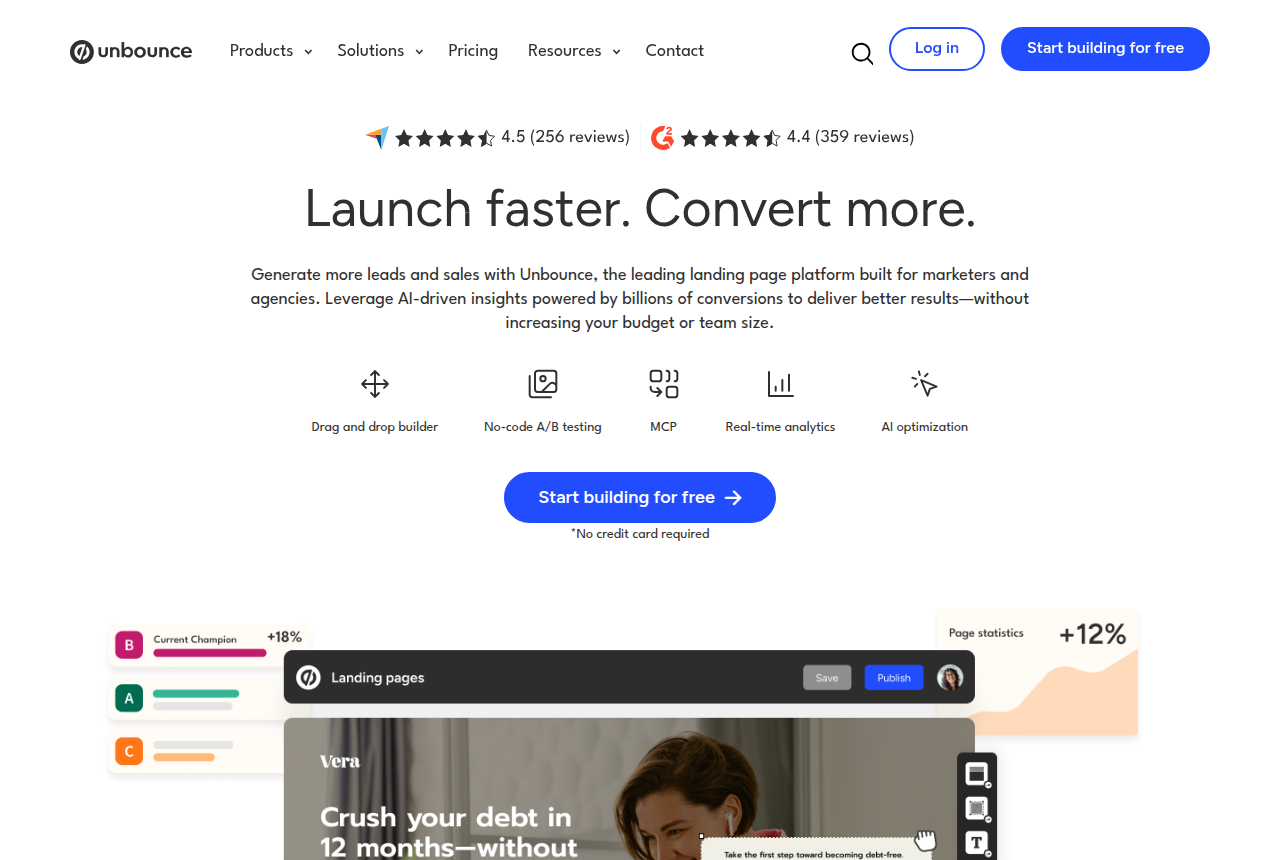
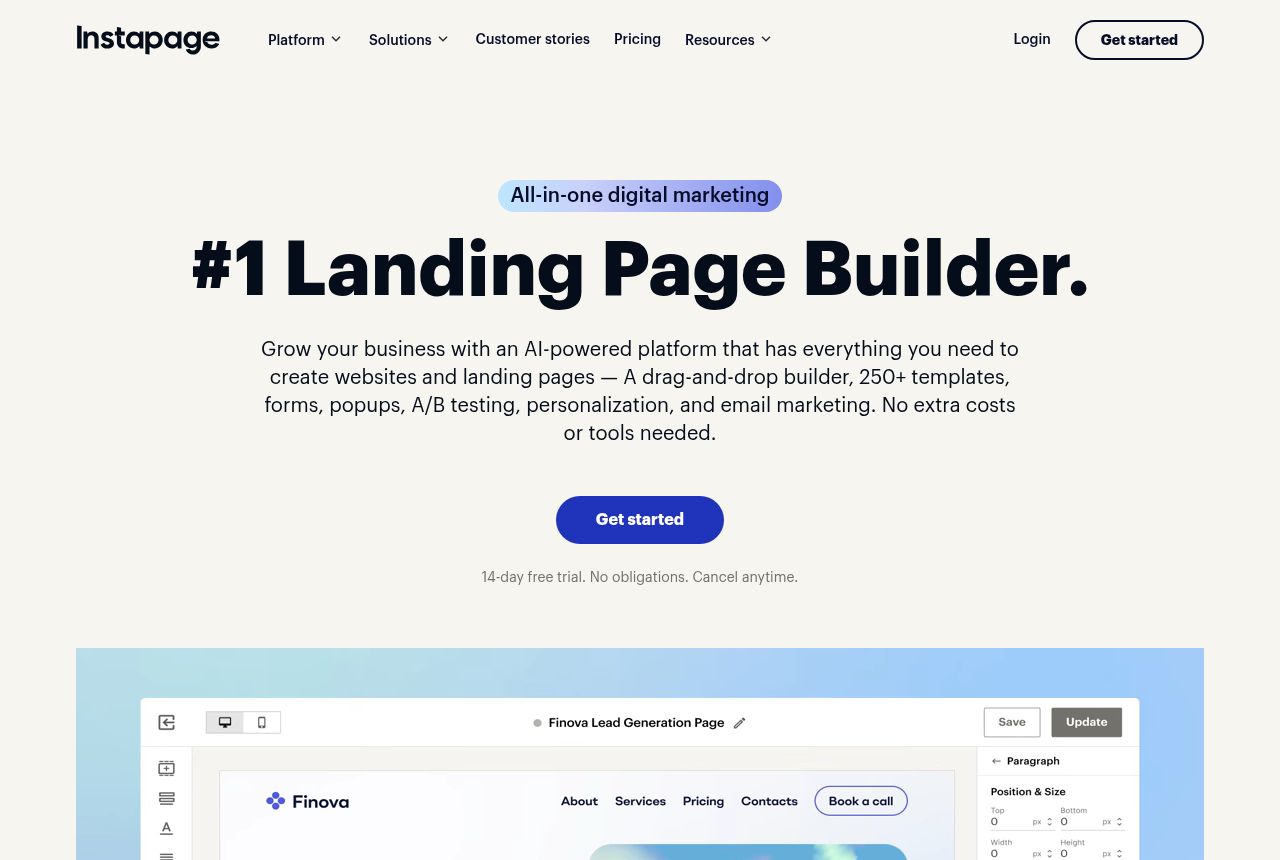
Landing page builders. Unbounce offers unlimited A/B tests and page variants, built as separate variants of a landing page, and its testing page does not describe same-URL rotation. Leadpages assigns variants on the server and includes A/B testing from its Grow plan, with up to four variants per test. Our Instapage review covers the plan its server-side A/B testing sits on. Funnel platforms built for paid traffic increasingly list same-URL tests by name, and our landing page builder guide covers which kind of tool fits which buyer.
Ad trackers. If you already route traffic through Voluum or RedTrack, lander rotation in the tracker keeps the campaign link fixed and is often the quickest route to a test.
Shopify and WordPress stores. Testing options depend on the builder you add. Our rankings for Shopify page builders and WordPress page builders compare them.
What it will not fix
Vendors that sell same-URL testing say the ad platform has no new destination to review, so it has no reason to restart learning. That is a sales argument, and no independent measurement we found shows how often a URL swap on its own resets learning compared with the other edits buyers tend to make at the same time.
A fixed address also leaves the experience behind it open to change. A variant that loads slower or sends visitors bouncing changes what the platform learns from your traffic, whatever the URL says. And a test with too few conversions per variant gives you a coin flip, under one address or two.
My take
If your tests run on campaigns that are already profitable, I'd make same-URL testing a requirement when you pick a page tool, and I'd judge each vendor by one demo request: show me the address a visitor sees on variant B. If you mostly test on new campaigns, I'd skip the feature. A split URL test in whatever builder you have is enough, and the money is better spent on traffic.
Compare how page builders run tests
Our methodology page sets out how we research.
Frequently asked questions
Is same-URL split testing the same as A/B testing?
Does a returning visitor see the same variant?
Will editing the ad URL always restart learning on Meta?
Does Google Ads reset learning when I change the final URL?
Can I run a same-URL test from my tracker?
What we read
Other sources
6 discussions and reviews read for this page. Quotes are excerpts; open a link to read the original in context.

Written by
Dana Rourke
Lead reviewer
Dana Rourke is the lead reviewer at Campaign Buyer. She owns the tracker and attribution coverage: reading what long-term users report about each tool, checking its documentation and pricing, and verifying prices with the vendor before writing the verdict. Keeping the rankings honest mostly means writing down what the top pick gets wrong, so she does that first.
Last checked 2026-10-14