Leadpages vs Landingi
By Dana Rourke, Lead reviewer. Reviewed by Campaign Buyer Editorial. Updated 24 September 2026.
Quick answer
Pick Leadpages if you buy paid traffic that can spike and you want predictable, uncapped pricing with A/B testing on the plan you actually run; pick Landingi if you want the cheapest entry and the widest template library for steady lead-gen and PPC pages, and you can live with visit caps and its add-on domain billing.
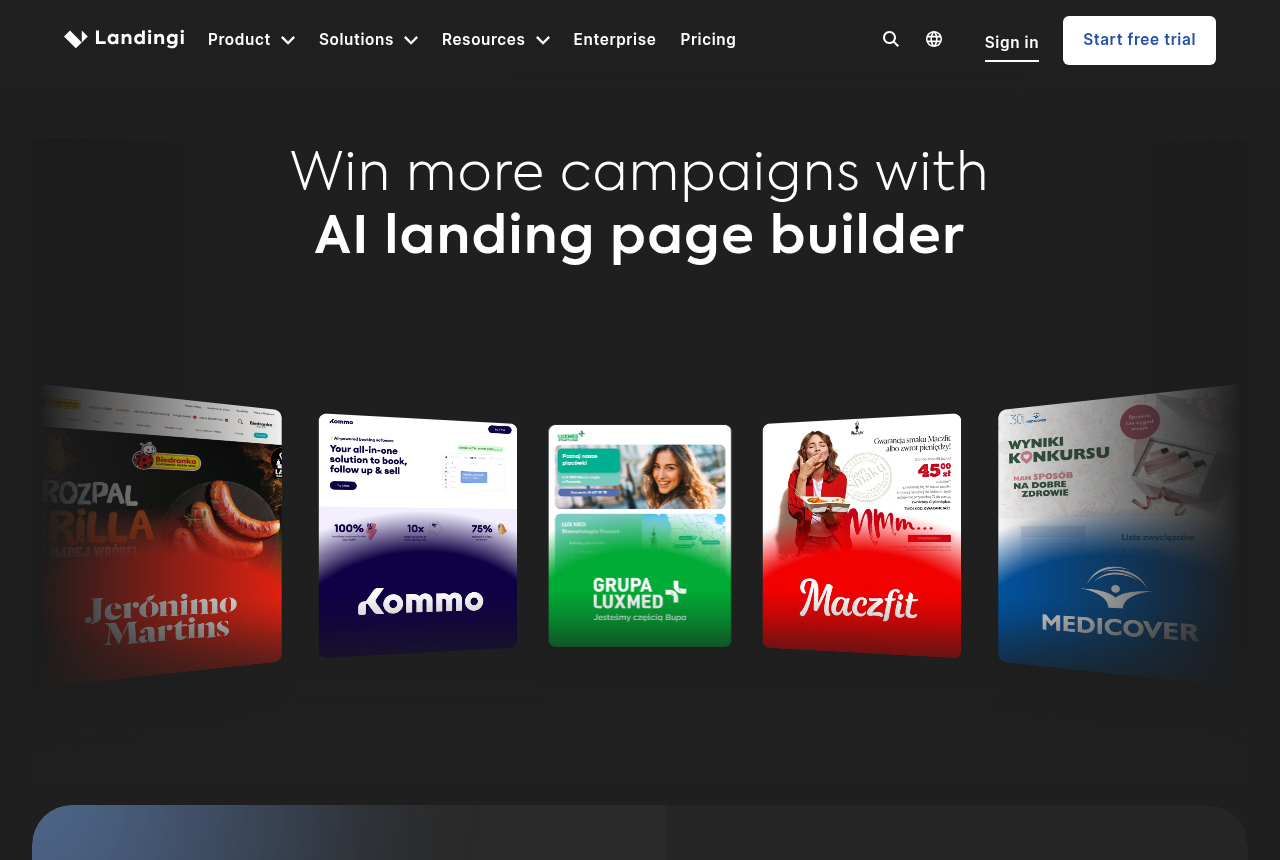
Side by side
| Leadpages | Landingi | |
|---|---|---|
| What it is | Lead-capture-first builder | Template-first PPC builder |
| Best for | Predictable, uncapped cost | Cheapest entry, most templates |
| Entry price | $99/mo Grow | $29/mo Build |
| A/B testing on entry plan | Yes, 6 variants | Yes, A/B/X included |
| Visitor caps and overage | None | Every plan capped |
| Dynamic text replacement | No, at any tier | Higher tiers only |
| Publishing options | Leadpages hosting or WordPress | Own domain, WordPress, own server |
| Support | Email and chat, mixed reviews | Weekday chat, PL hours |
If you are down to Leadpages and Landingi, the philosophy fight is already over. Both are standalone hosted landing page builders, not a WordPress plugin and not a page bolted onto a store. Both do drag-and-drop building, both include A/B testing on the plan you sign up for, both publish a page you point ads at, and both are priced for the buyer who counts every subscription. This is the same job at two honest prices, and the real question is which set of trade-offs you would rather live with.
Landingi is the one you reach for when the entry price decides it: Build opens at $29 a month, with more than 400 templates and an AI generator that writes a first draft. Leadpages is the one you reach for when a surprise bill scares you more than the sticker price, because it has no visitor caps and no overage fees at any tier. Neither is a mistake. The split is what happens to your bill when a page suddenly works, and how much design control you need to get there.
The one question that decides it: will your traffic spike?
Answer that before you read a feature list. A media buyer who scales a winning angle overnight can send ten times the traffic at a page in a day. On Landingi, every plan carries a monthly visit cap, so a page that pops can push you into a higher tier or an overage mid-campaign. On Leadpages, there is no cap and no overage, so the bill you signed up for is the bill you pay while the page does its best week. If your traffic is steady and modest, that protection is worth little and Landingi's cheaper entry wins. If your traffic is lumpy and you buy on volume, predictable cost is the whole game, and that is Leadpages.
Leadpages: predictable cost, a simple builder
Leadpages wins on the math a media buyer checks first: what does this cost when it works. There are no visitor caps and no overage fees, so a page that suddenly takes off never triggers a surprise invoice. A/B testing with up to six variants is included on the $99 Grow plan rather than gated behind a premium tier, pages are unlimited, and the builder is fast and simple enough that a non-designer ships a campaign page the same afternoon. For lead capture and straightforward paid-traffic pages, that combination is hard to beat.
What you give up is the top of the PPC feature set. Leadpages does not do dynamic text replacement, and its automatic routing and personalization are held back for the pricier Optimize tier, so a keyword-heavy paid-search strategy does not get its sharpest tools on the Grow plan most buyers start on. Support quality is a recurring gripe in reviews, and buyers who came from a cheaper WordPress page builder sometimes balk at the jump in price. Those are real, but for a buyer who values a bill that does not move, they are livable.
Landingi: cheapest entry, most templates
Landingi wins on entry cost and choice. Build opens at $29 a month, or $24 billed annually, and A/B/X testing is included rather than held back for a higher tier. There are more than 400 templates and an AI generator called Lunar, so a first draft exists before you have finished your coffee, and publishing is flexible: your own domain, a WordPress plugin, Landingi hosting or your own server. It has been building pages for more than a decade, the vendor counts over 500,000 teams, and its review scores hold up (G2 4.5, Capterra 4.8, Trustpilot 4.1). Support gets consistent praise for a builder at this price.
The trade-offs are in the fine print, which is where this comparison earns its keep. The editor is more rigid than Unbounce and mobile layouts often need manual cleanup, so it is not the tool for pixel-level design. Every plan carries a monthly visit cap, and dynamic text plus server-side testing sit behind higher tiers. And watch the billing: add-on domains are $5 a month each and keep charging after you cancel the core plan until the paid period ends, which has caught buyers out for months. Live chat runs weekday Polish business hours, so a weekend high-spend campaign waits for a reply.
The real split: what the bill does when a page pops
If one line separates these two for a paid-traffic buyer, it is the cap. Leadpages does not meter your visitors, so the plan price is the price, whether a page gets a thousand visits or a million. Landingi meters every plan, so success costs more, and the extra domains you add for separate campaigns keep billing after you leave. Both include A/B testing on their entry plan, and both stop at the same line: they build and host the page, then hand the visitor to whatever takes the payment. Decide whether you want the lowest sticker price or the most predictable one, and the choice mostly makes itself.
Pricing: a cheap entry against no surprises
This is where they separate hardest. Landingi's Build is $29 a month ($24 annually), which undercuts Leadpages outright on the sticker. Leadpages opens higher, with six-variant A/B testing on its $99 Grow plan, but it never adds a visitor cap or an overage line, so the number you see is the number you pay as you scale. Read each on the plan that carries the features you need, not the cheapest tier, and check the vendor's current page before you buy. Pricing here was verified against each vendor in September 2026.
A third path if the checkout is where your margin lives
Both tools stop at the same line. They build and host the landing page, then hand the visitor to whatever takes the payment. For lead capture and most click-through campaigns, that is exactly the right scope. But if you run your own offer end to end and the page is only half the funnel, because the money is in the checkout, the order bumps, the upsells and the split test that must not reset your ad learning, a landing page builder on its own leaves the other half to a second tool. ElasticFunnels is a funnel platform that owns the whole path instead. It builds the pages, including an AI builder that writes one from a prompt or clones one from a URL, and it split-tests variants under a single URL so Meta, Google and TikTok keep their learning and a test never sends the ad back for review. It also hosts the checkout with order bumps, one-click upsells and multi-account payment routing, and keeps the clicks, orders, rebills and refunds on one timeline with a CRM and reporting on the same data. It starts with a 14-day free trial and takes no card.
The honest limit is that ElasticFunnels is newer than Leadpages or Landingi, and there is very little independent third-party review coverage to check its claims against, which is what you would expect of a platform this young. Until you run real volume through it, you are largely taking the vendor's word for how it holds up, and the no-card trial is the cheapest way to test that for yourself before you commit. It also replaces the checkout you run now, so it fits a seller who wants the page and the checkout in one platform, not someone who only needs a hosted page to point ads at and is keeping the checkout they have. For that page-only job, the two builders here are the direct answer. Keep ElasticFunnels on its own line of the decision, not as a tiebreaker between these two.
Which one for you
You buy paid traffic that can spike: Leadpages. No visitor caps and no overage fees mean the bill holds steady when a page has its best week, and six-variant A/B testing is included on the $99 Grow plan. Accept the simpler feature set and the lack of dynamic text.
You want the cheapest entry and the widest template library: Landingi. A $29 Build plan with A/B/X testing included, more than 400 templates and an AI generator get a campaign page live fast for steady lead-gen and PPC work. Watch the visit caps and the $5 add-on domain billing after you cancel.
You host your own offer and the checkout is where your margin lives: look at ElasticFunnels alongside them, with the newness caveat in mind, but only if you want the page and the checkout in one platform rather than a hosted page you point ads at.
Leadpages
What works
- No visitor caps or overage fees, so cost stays predictable as you scale
- Six-variant experiments on the entry $99 Grow plan
- Unlimited pages and a fast, simple builder
What to watch
- Fewer advanced PPC features than Unbounce, and no dynamic text replacement
- Older complaints about price jumps versus a WordPress page builder
- Support quality is a recurring gripe
Landingi
What works
- 400+ templates and an AI page generator (Lunar) get a campaign page live fast, no developer needed
- Noticeably cheaper than Unbounce or Instapage for the same lead-gen and PPC job, with A/B/X testing included
- Server-side A/B testing, EventTracker behavioural analytics and 170+ integrations from the mid Optimize tier
- Flexible publishing: your own domain, a WordPress plugin, Landingi hosting or your own server
- Support gets consistent praise on G2 and Capterra for a builder at this price
What to watch
- The editor is more rigid than Unbounce and mobile layouts often need manual cleanup, so it is not for pixel-level design work
- Add-on domains cost $5/mo each and keep billing after you cancel the core plan until the paid period ends, which has caught buyers out for months
- No smart traffic routing, and dynamic text and server-side testing sit behind higher tiers, so it is not the top PPC feature set
- Every plan has a monthly visit cap and AI features burn a credit allowance you can run out of
- Live chat is weekday Polish business hours only, so weekend high-spend campaigns wait for a reply
Pricing
Leadpages: from $99/mo. Grow $99/mo (unlimited pages, 4 domains, A/B testing up to 6 variants), Optimize $199/mo adds automatic routing and personalization, Scale $399/mo. No usage limits and no overage fees.
Landingi: from $29/mo. Build $29/mo billed monthly, or $24/mo billed annually. Optimize $119/mo, Scale from $229/mo, Enterprise from $1199/mo (annual). Every plan carries a monthly visit cap (2,000 on Build to 1M+ on Enterprise). Extra custom domains are $5/mo each. AI features (Lunar, Solis, background removal, Programmatic pages) run on a monthly credit allowance; more credits are pay-as-you-go from $15. 14-day trial capped at 200 visits, card usually required.
Pricing verified against each vendor on 2026-09-08. Check before you buy.
Our pick
Leadpages
Leadpages is the pick if you want predictable cost, no surprise caps, and experiments without paying enterprise money.
Frequently asked questions
Leadpages or Landingi: which should I use?
Which is cheaper, Leadpages or Landingi?
Is Landingi cheaper than Leadpages?
Does Leadpages have visitor limits?
Which has better A/B testing for PPC?
Can either one replace my checkout?
Sources
Other sources
4 discussions and reviews read for this page. Quotes are excerpts; open a link to read the original in context.
- [ppc-instapage-enterprise] Landing page tool? : r/PPC
- [ecom-instapage-pricier] Thoughts on Using Instapage for Landing Pages? : r/EcommerceWebsite
- [askmarketing-leadpages-agency] Agencies running PPC, what landing page builders are you using right now?
- [g2-instapage-pricing] Instapage Pricing 2026

Written by
Dana Rourke
Lead reviewer
Dana Rourke is the lead reviewer at Campaign Buyer. She owns the tracker and attribution coverage: reading what long-term users report about each tool, checking its documentation and pricing, and verifying prices with the vendor before writing the verdict. Keeping the rankings honest mostly means writing down what the top pick gets wrong, so she does that first.
Last checked 2026-09-24