An explainer onmedia buyer software
What is multi‑MID routing?
Checkout comparisons list it as a feature and never say what it does. Here is the mechanism, and a quick test for whether your business needs it yet.
By Dana Rourke, Lead reviewer. Reviewed by Campaign Buyer Editorial. Published 13 October 2026.
The short answer
Multi-MID routing is a checkout feature that sends each card sale to one of several merchant accounts you already hold, by rules you set, so volume, account caps and the risk of a paused account are spread across them. You need it when you sell at volume on paid traffic with two or more merchant accounts, and you can skip it while one Stripe or PayPal account carries your sales.
You are comparing checkouts. One of them lists "multi-MID routing" in its feature grid, and nobody explains whether that line should decide anything. It should, for a specific kind of seller. Below is what a MID is, what routing does with several of them, where it stops helping, and how to tell if you are that seller.
What is a MID?
MID stands for merchant identification number. An acquiring bank or a processor gives one to each merchant account it opens for you, and every card payment you take carries it. That number is how the bank knows which of your businesses took the sale, which fees to charge and which account's limits the sale uses up.
Three terms get blurred together in checkout comparisons, and the difference matters once you hold more than one account:
- Merchant account
- The account a bank or processor opens for your business. It decides where the money settles and which limits apply.
- MID
- The ID that account carries on each transaction. It tells the bank which account owns a given sale.
- Gateway
- The software your checkout talks to, which passes the card on to the processor. It describes how your site connects, and says nothing about who gets paid.
So a long gateway list in a feature grid is a claim about connections. Multi-MID routing is a claim about how many merchant accounts sit behind those connections and how the checkout shares sales between them.
How merchant account load balancing works
Routing goes by a second name, merchant account load balancing, and it works in two steps for every charge. First the checkout drops the accounts that are not eligible for this sale under your rules. Then it shares charges among the accounts that remain according to the weight you give each one, so a heavier weight means a larger share of sales.
The rules a routing checkout lets you set can include:
- Card brand, so a brand goes only to the accounts approved for it
- Product, when one account is approved for one offer and not another
- Order amount, to keep large tickets on the account with the higher limit
- A daily cap per account, after which it drops out of the pool until tomorrow
Direct-response sellers use this for three jobs. Capacity: each account is approved for a volume, and routing keeps every one of them inside it. Redundancy: when a processor pauses one account for review, sales keep flowing through the others. Approval spread: sending some volume through each account means a bad day on one does not stall the whole funnel.
Upsells and rebills stay where the first sale went
Routing picks the account for the first sale only. A card saved on one merchant account can only be charged there, so the one-click upsell after checkout and every subscription renewal land on the account that took the front-end payment. Size your caps with that in mind, because each first sale an account takes brings its upsells and renewals along. Our guide to order bumps and one-click upsells covers how those charges are taken.
Who needs it, and who can skip it
You need it if you buy paid traffic at a volume where one account's cap, or one review pause, would stop sales, and you already hold two or more merchant accounts. Checkout Champ's payment options page makes the case that a high-volume store cannot rely on one or two processors and needs layers of redundancy, especially for international sales. It is a vendor selling routing, so read that as the argument for, but the logic holds at volume.
You can skip it while a single Stripe or PayPal account handles everything you sell. Routing between one account and nothing does nothing.
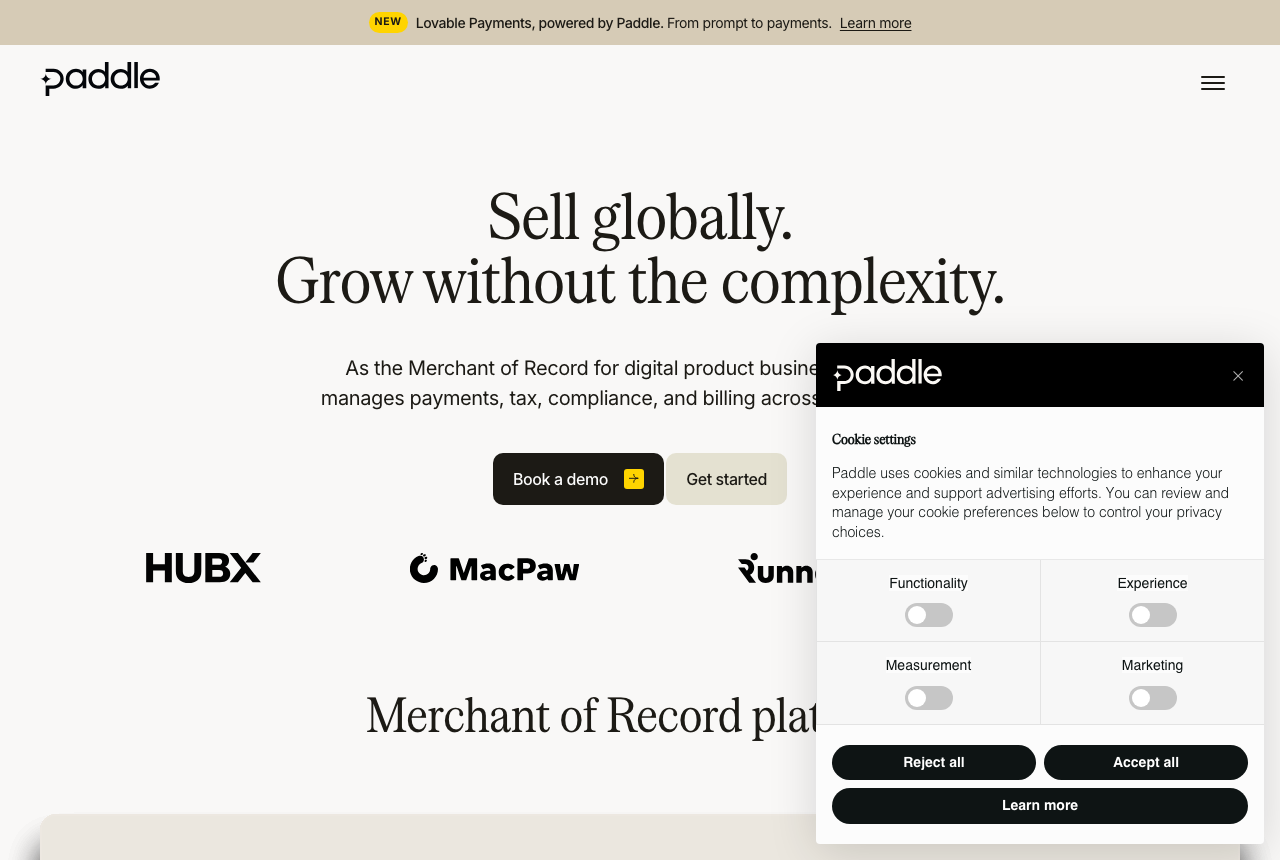
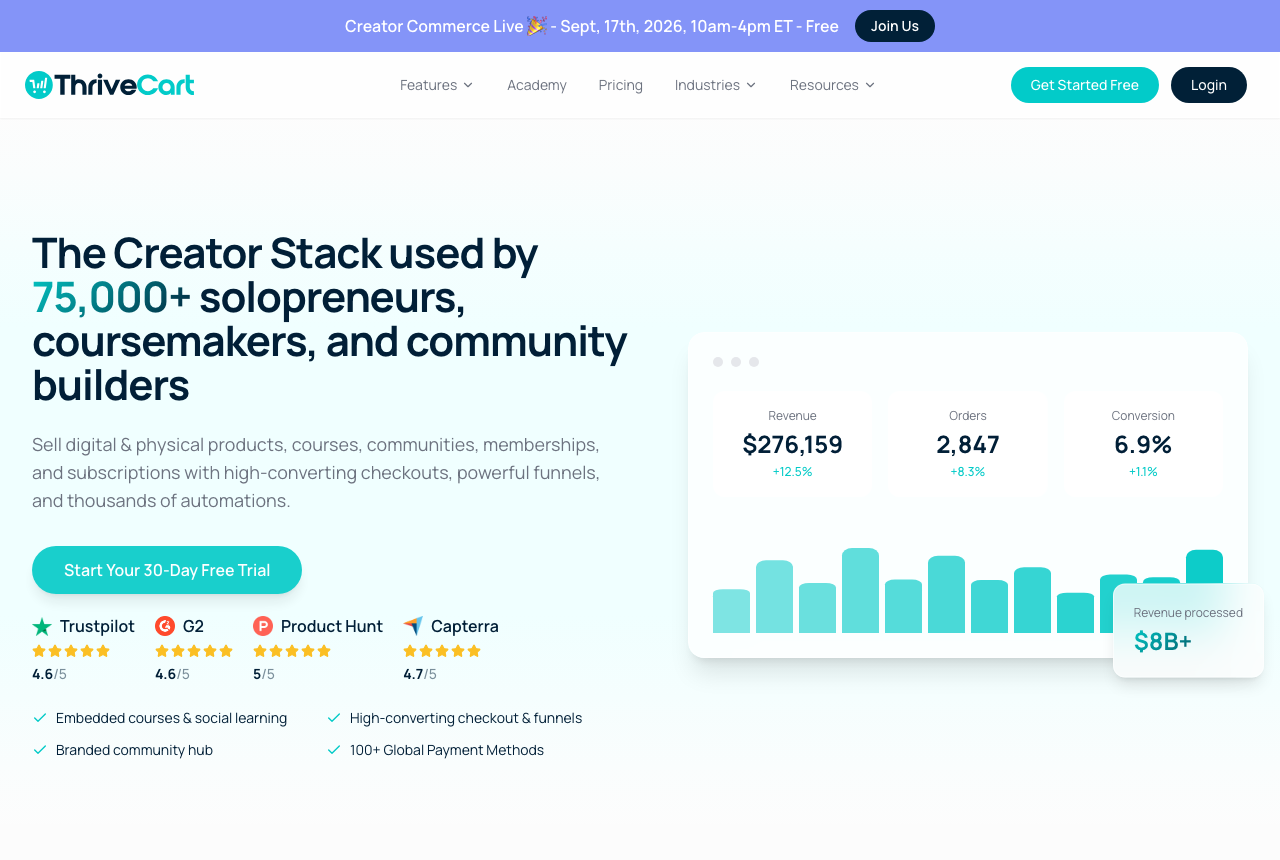
It does not apply on a merchant-of-record platform. Paddle and Gumroad become the legal seller of your product, so you hold no merchant accounts for a checkout to route payments to. Carts that run on one connected processor sit in the same place: ThriveCart works through whichever processor you connect and cannot send a payment to a second account. That suits a course seller with one clean account and limits a seller who has outgrown it.
What routing will not do for you
It will not hide a chargeback problem. Spreading sales so that each account stays under a monitoring threshold is exactly the pattern acquirers treat as evading their programs. They look for it, and it tends to end with all of the seller's accounts closed at once.
It is a different thing from offering PayPal beside cards. A second payment method is a choice the buyer makes on the page. Routing happens after the buyer types a card number, between card accounts the buyer never sees.
It does not get you the accounts. Checkout Champ states on its homepage that it is not a payment processor or acquirer. A routing checkout connects merchant accounts you applied for and hold yourself, and each underwriter still judges your business on its own.
How a routing checkout presents it
Of the checkouts reviewed here, Checkout Champ is the one built around routing. Its homepage describes "intelligent routing logic" for managing several payment processors and currencies, and its capabilities page lists integrations with over 500 software tools and payment gateways. It sits on top of Shopify, WooCommerce, BigCommerce or Magento as the checkout and CRM.
Its public feature pages do not show the rule screens, so ask to see the routing setup on a demo before you sign. The bigger objection is commitment: there is no free trial or self-serve signup, and gateway setup and chargeback handling remain your responsibility.
Soft declines, cascades and Visa's retry limit
A hard decline is the issuer refusing the card for good, and sending it again only adds to your decline count. A soft decline, such as insufficient funds or a "do not honor" response, can clear on a later try or on a different merchant account.
Some routing setups add a cascade: a soft-declined charge is retried once on another eligible account. A retry only works when the checkout can resubmit the card details, so Apple Pay, Google Pay, tokenized card fields and charges on stored cards may be excluded. Ask which payment types a cascade covers before you count on it.
The card networks put a ceiling on this. Visa's resubmission rules allow no more than 15 reattempts in 30 days for declines outside the never-retry category, with a fee beyond that. I would keep a cascade to one extra attempt per sale.
Watch each account's dispute ratio on its own
Visa's monitoring program counts fraud reports and disputes against settled transactions, as its acquirer monitoring fact sheet sets out, and each dispute lands on the merchant that took the sale. A dashboard that blends all your accounts can show a comfortable average while one account drifts toward review. Read every MID's ratio separately, weekly, and find the threshold that applies to you in that fact sheet and in your acquirer's terms.
The habits that keep each ratio low are plain ones:
- A statement descriptor the buyer recognises as your brand
- Rebill terms stated at checkout, beside the button
- Refunds issued quickly, so an unhappy buyer asks you before their bank
My take
I'd start on one merchant account and skip routing until your volume or your processor forces the question. Open the second account then, and pick a checkout that routes. Once you run two or more, I'd treat routing as a must-have on any checkout shortlist, and I'd judge each option by how clearly it reports every account's approvals and disputes on its own.
If that is where you are, the Checkout Champ review covers what it costs, what it commits you to and what it leaves on your plate.
Read the Checkout Champ review
We wrote this from vendor documentation, Visa's published rules and seller reports. We did not process sales through these checkouts. Our methodology page sets out how we research.
Frequently asked questions
What is a MID?
Is merchant account load balancing the same thing as multi-MID routing?
Will routing bring my chargeback ratio down?
Do upsells and rebills go through the routing rules again?
How many merchant accounts before routing is worth setting up?
What we read
Other sources
5 discussions and reviews read for this page. Quotes are excerpts; open a link to read the original in context.

Written by
Dana Rourke
Lead reviewer
Dana Rourke is the lead reviewer at Campaign Buyer. She owns the tracker and attribution coverage: reading what long-term users report about each tool, checking its documentation and pricing, and verifying prices with the vendor before writing the verdict. Keeping the rankings honest mostly means writing down what the top pick gets wrong, so she does that first.
Last checked 2026-10-13